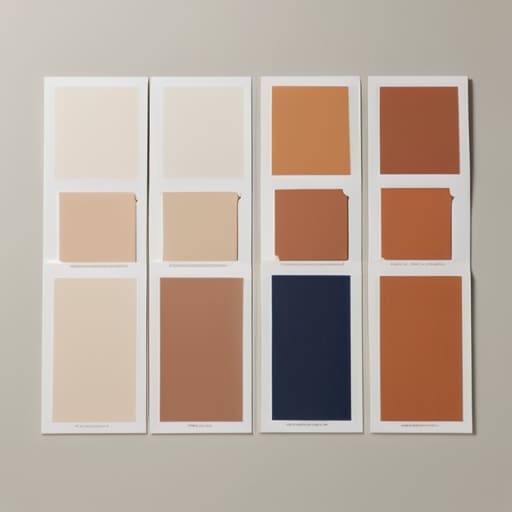
A Palette of Five Colours
I’ve spent nine years un-breaking sites that people thought were “finished,” and most of them were ruined by a client who decided to play God with a color wheel. There is this toxic myth that you need a massive, expensive brand strategy session just to figure out how to choose colours that don’t make your users’ eyes bleed. People treat color theory like some sacred, inaccessible ritual, but honestly? Most of the time, you’re just overcomplicating a decision that should be about function and hierarchy. I’ve seen more beautiful layouts die because someone picked a “trendy” neon shade that completely obliterated the readability of their typography.
I’m not here to sell you on a $500 color palette generator or some vague, artistic nonsense. I’m going to show you how I actually approach this when I’m staring down a blank WordPress install: by looking at the constraints of the theme and the intent of the content. I’ll give you the straight truth on how to build a palette that actually works in a browser, stays accessible, and doesn’t require a complete rebuild six months later. No fluff, just the decisions that matter.
Table of Contents
Decoding Color Theory Basics Before You Click

Look, I’m not asking you to go back to undergrad and sit through a three-hour lecture on the physics of light. But if you’re going to pick a palette, you need to understand the bare minimum of color theory basics so you don’t end up with a site that looks like a neon fever dream. Most people treat color like a mood board for their living room, but on a website, color is a functional tool. It’s about directing the eye, not just making things “pretty.”
When I’m auditing a new build, I’m looking at how the designer used visual hierarchy and color to actually drive a user toward a button. If your primary call-to-action has the same visual weight as your footer, you’ve failed. You don’t need to master every complex color wheel application, but you do need to know if your choices are fighting each other or working together.
And for the love of all that is holy, check your contrast. I’ve inherited more “aesthetic” sites that were completely unreadable because the designer prioritized a trendy, low-contrast look over color accessibility standards. If a user can’t distinguish your text from your background, your design isn’t “minimalist”—it’s broken.
Leveraging Color Wheel Applications Like a Pro
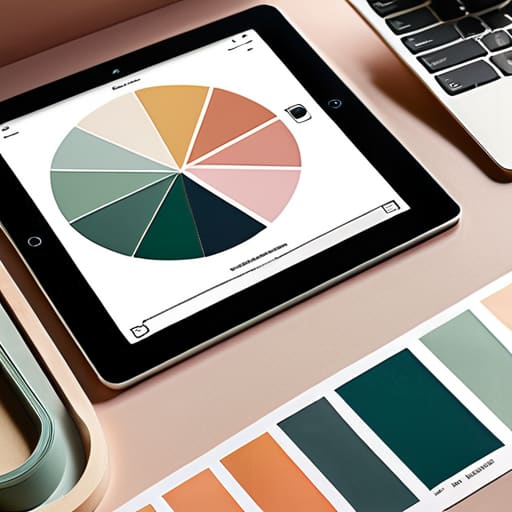
Look, you don’t need a PhD in fine arts to use a color wheel, but you do need to stop picking colors based on what “looks cool” in a vacuum. Most people treat color wheel applications like a game of random selection, but if you want a site that actually functions, you need a system. I usually lean on complementary color schemes when I want something to pop—think high contrast, high energy—but if I’m building a clean, professional portfolio, I’m sticking to analogous sets. It’s about creating a sense of intentionality so the user doesn’t feel like they’re staring at a digital seizure.
The real trick is using these relationships to establish visual hierarchy and color. I’ve spent way too many hours fixing sites where every single button is the same aggressive shade of neon orange. If everything is screaming for attention, nothing is actually being heard. I use the wheel to pick a dominant base, a secondary support, and then one—and only one—accent color for my CTAs. This isn’t just about aesthetics; it’s about guiding the eye where it needs to go without the user having to think about it.
Stop guessing: 5 ways I actually pick a palette
- Stop trying to invent new physics; look at what’s already working in your niche and decide if you want to follow the trend or disrupt it.
- Test your colors against accessibility standards immediately, because a “pretty” low-contrast gray text is just a broken user experience waiting to happen.
- Pick one hero color and then shut up; you don’t need a rainbow, you need a hierarchy that tells the user where to click.
- Check your palette in dark mode before you commit, because a color that looks sophisticated on a white background can look like radioactive sludge on a dark one.
- Build your palette around your typography, not the other way around—if your brand color kills the legibility of your favorite typeface, toss the color.
Stop guessing and start deciding

Look, choosing colors isn’t some mystical ritual performed by artists in berets; it’s about making intentional decisions so you don’t end up with a site that looks like a digital fever dream. We’ve covered the heavy lifting: understanding the psychological weight of your palette, decoding the actual mechanics of color theory, and using the color wheel to ensure your elements actually talk to each other instead of screaming over one another. If you’ve done the work, you aren’t just picking “pretty” shades anymore. You are building a visual framework that supports the content rather than burying it under a mountain of uncoordinated hex codes. Don’t let a lack of structure turn your design into another one of those inherited messes I have to clean up.
At the end of the day, your color palette is a silent ambassador for the brand. It sets the tempo before a single word of copy is even read. My advice? Trust the logic you’ve built, but don’t be afraid to break the rules once you actually understand why they exist in the first place. A well-chosen palette creates a sense of cohesion that makes a site feel expensive, even if it’s running on a budget. Stop overthinking the “perfect” shade and start focusing on how those colors work together to guide the user. Design is about clarity, not decoration. Now, go build something that actually makes sense.